We are all familiar with Acquia Site Studio, a low-code tool for creating digital experience platforms. While working on Site Studio developers mostly work on the site-building part instead of writing code in the CSS or JS files. However, at times, there are cases where you can’t achieve expected things using Site Studio because there is no way to access that particular thing in Site Studio.
For instance the Drupal maintenance page can’t be themed in Site Studio because there is no access of Site Studio on these pages, another example if we require some custom things like JS/CSS, we can’t do in Site Studio using site-building because of restricted access, in such cases, we need to set up Site Studio theme architecture to achieve expected things with minimal files, code and overwrite.
Site studio theme architecture will be based on below things:
Base theme
Sub-theme
Page regions
Template file naming
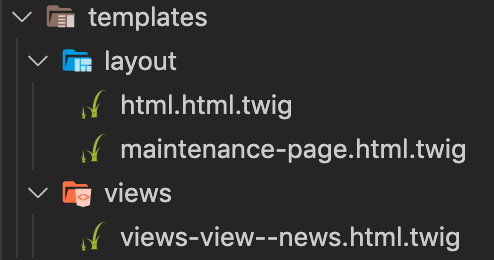
Site Studio Components
Note: The existing components which come with the UI kit can be edited as per project requirements.
CSS management (e.g. Gulp + SCSS)
Adding new CSS
Compiling SCSS to CSS
Sass Variables and Partials
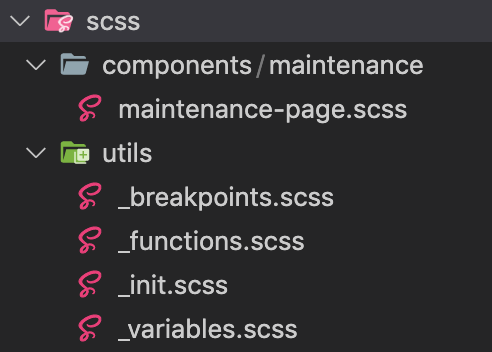
The scss/utils/ directory has Sass partial files like _variable.scss, etc.
JS management
Image management
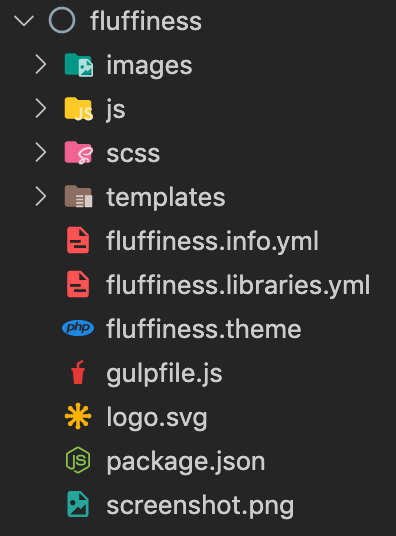
With all minimal files and folder, your new sub-theme(fluffiness) will look like the below screenshot,
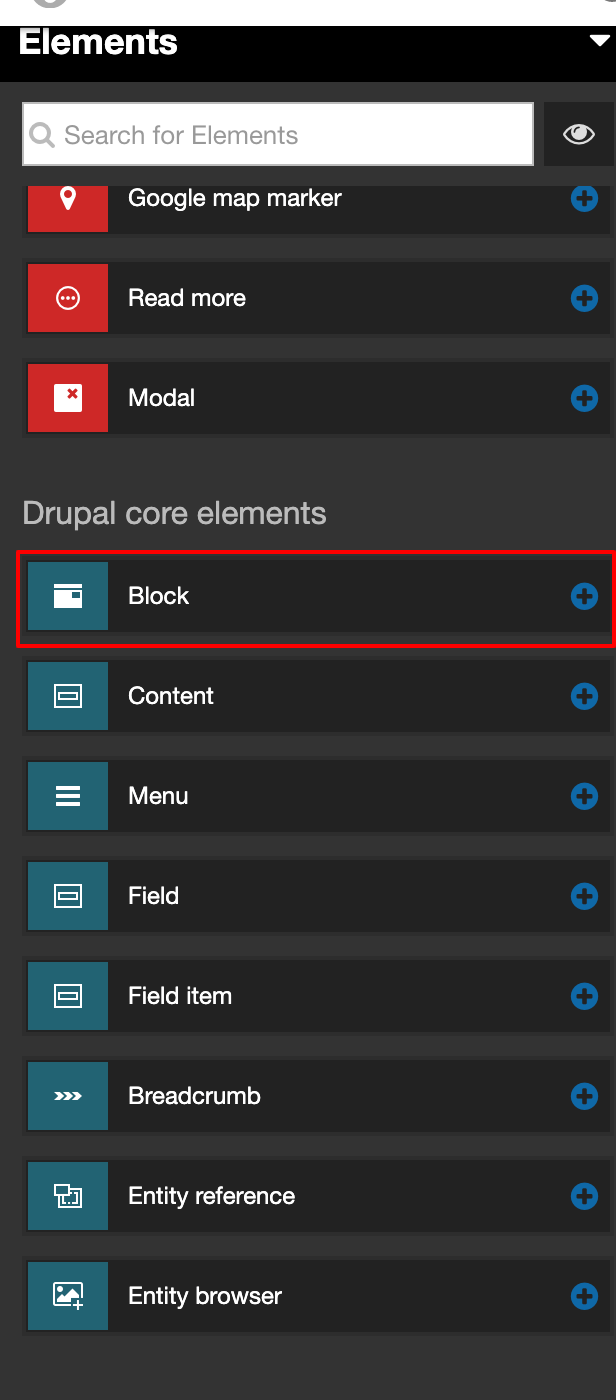
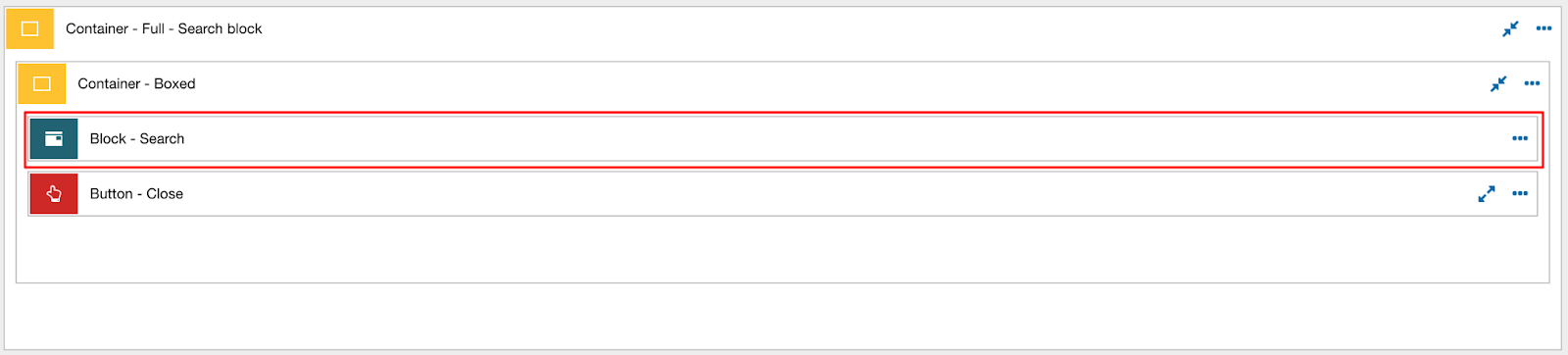
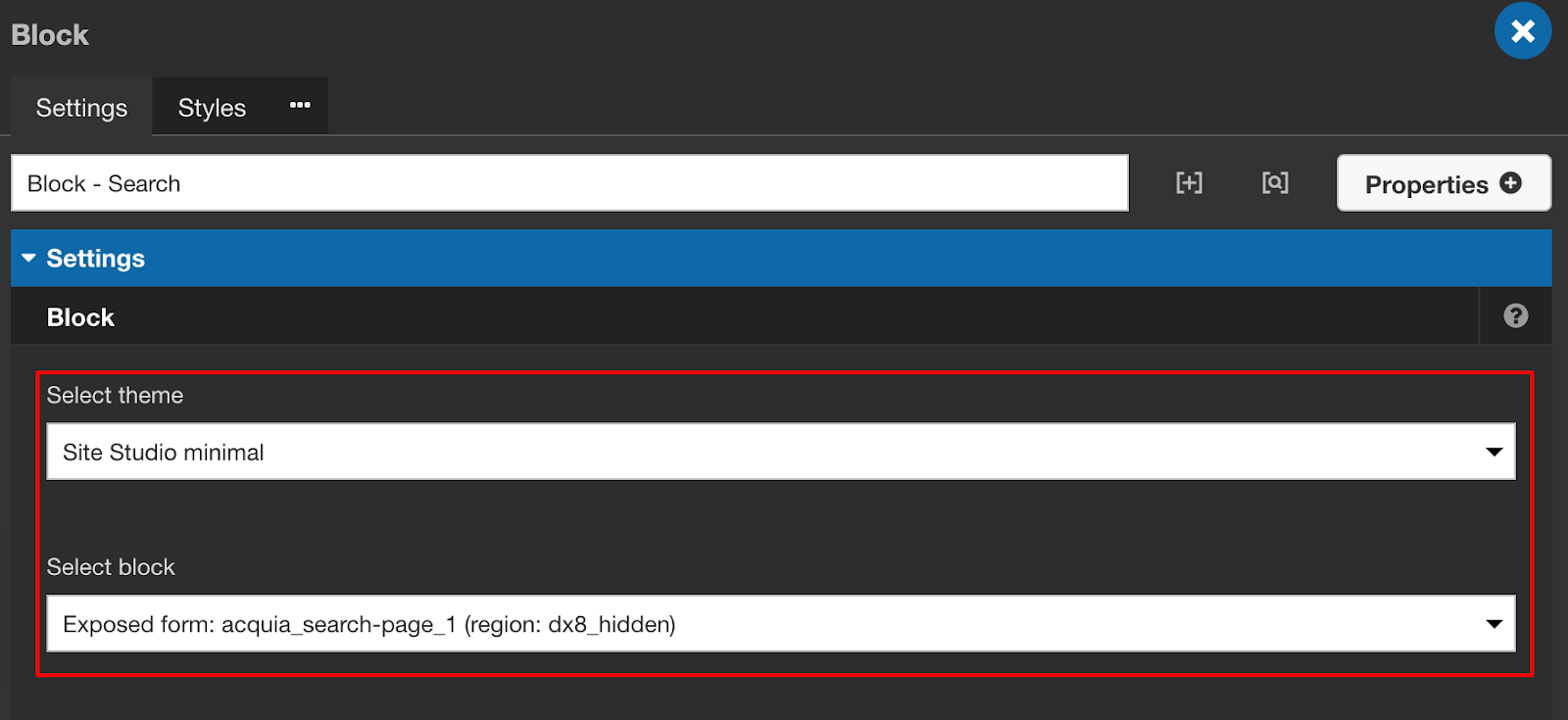
Adding Drupal Blocks to Site Studio Components

Thank you for reading!