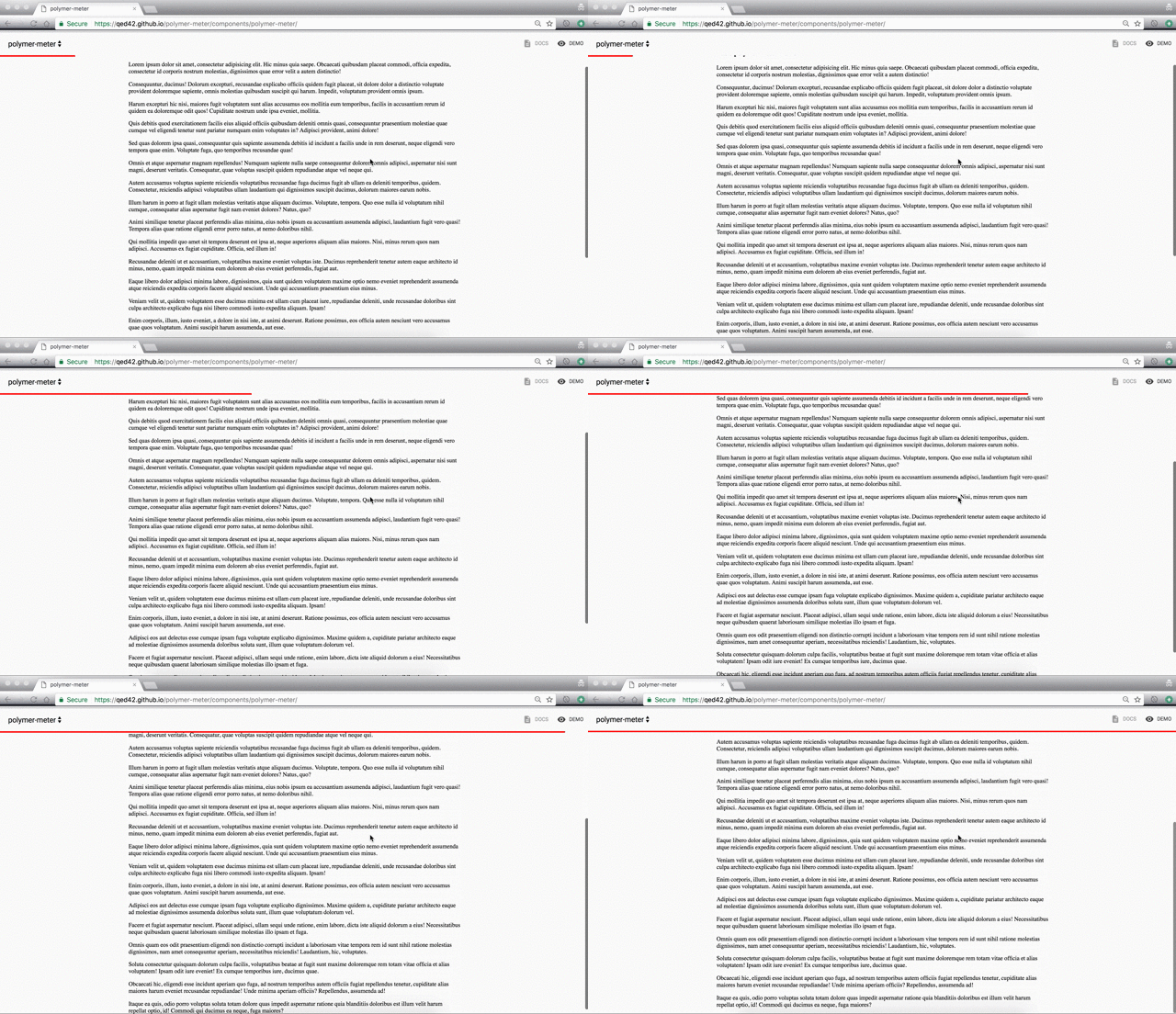
Now a days we have seen quite a few websites that have some kind of an indicator to display the current reading position of readers. Generally, such indicators are used on blog posts or long form articles and help readers understand how far they are from finishing the article.
So here I have created a polymer element which can be used on your site easily and gives this functionality. I have used a horizontal progress bar to use as a indicator.
The principle logic behind this element:
To build this element we had to use two information from the user -
So to develop this element we used the fact that user has to scroll to the end of the page, to read the article. Here the main principle targets the scroll event which is used to determine the position of the user while reading the article.
Demo - https://qed42.github.io/polymer-meter/
Github project -- https://github.com/qed42/polymer-meter
Using polymer-meter Element in your Project
Install this using bower
Add the element element using html imports
Example Usage:
Place this element at the top your page, it will watch the length of the page and at the top it will display a indicator show how much of the page you have already covered.
You may not insert any custom DOM inside of this indicator element.
Styling
You can control the color of the indicator using css property '--progress-meter-color'
Example: