Have you ever created a configuration form? It is one of the first things that we learn as Drupal developers. We use configuration forms to store values in configuration and then build functionalities based on those stored values. A good example is the ‘Basic site settings’ where we add the site name, site email, front page etc.
What is configuration validation?
Let's go back to the ‘Basic site settings’. Go to the ‘Error pages’ section, add ‘/i-love-drupal’ as the ‘Default 404 (not found) page’ and try to save the configuration.
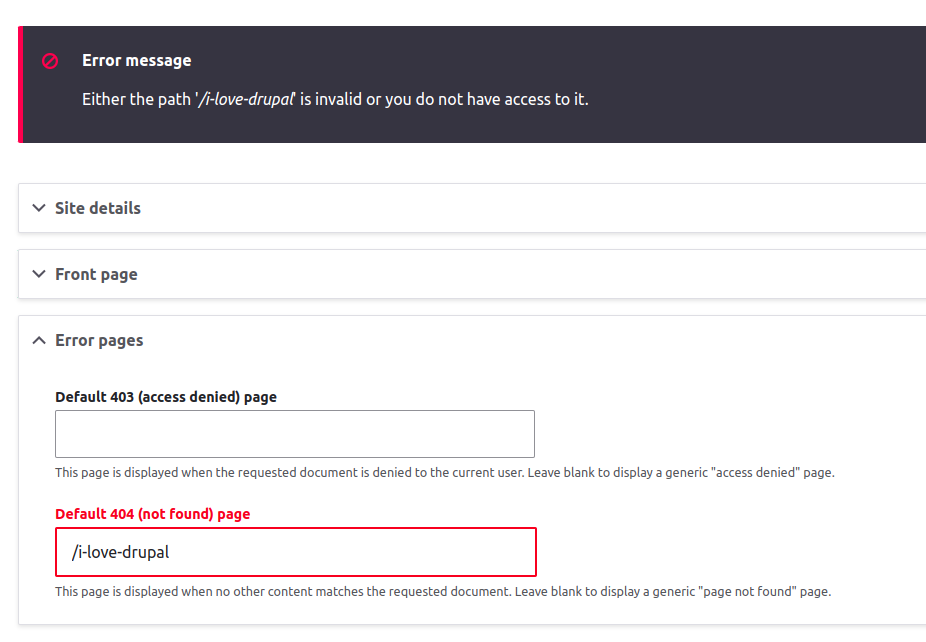
You will get an error message saying that the path is not valid. Now create a page in your site with the alias ‘/i-love-drupal’ and try to save this configuration again.
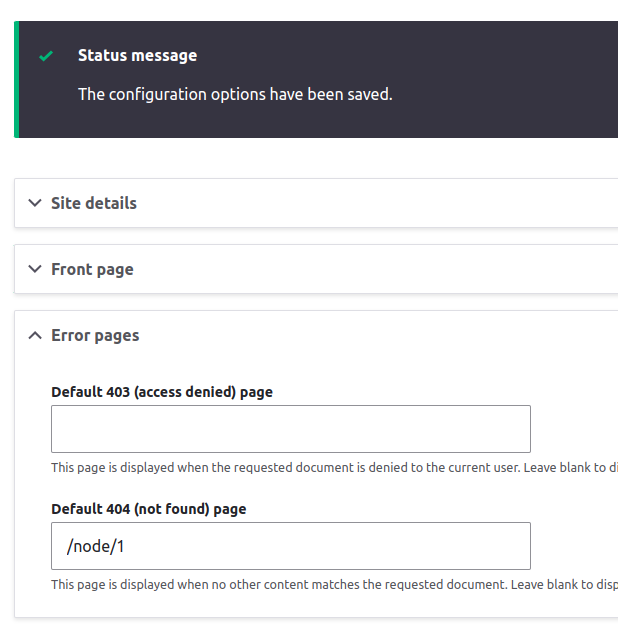
You will be able to save the configuration now. What happened here? Drupal expects a valid URL as the ‘default 404 page URL’. So the user input is checked before the values are saved to the configuration to ensure that the value given is a valid URL. If it’s not, the configuration is not updated and an error message is displayed to the user.
Usually, such validations are added from the form class using the validateForm() method.
But now, we can also add such validations from the schema.yml file by using constraints, without using validateForm() method. A new property ‘#config_tagret’ was introduced in Drupal 10.2 to support such config validations.
How does it work?
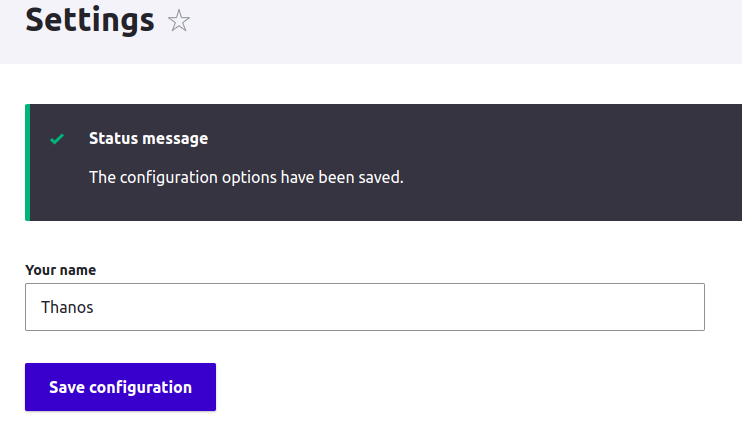
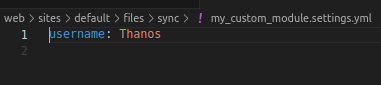
This looks great. But how to validate the user input?
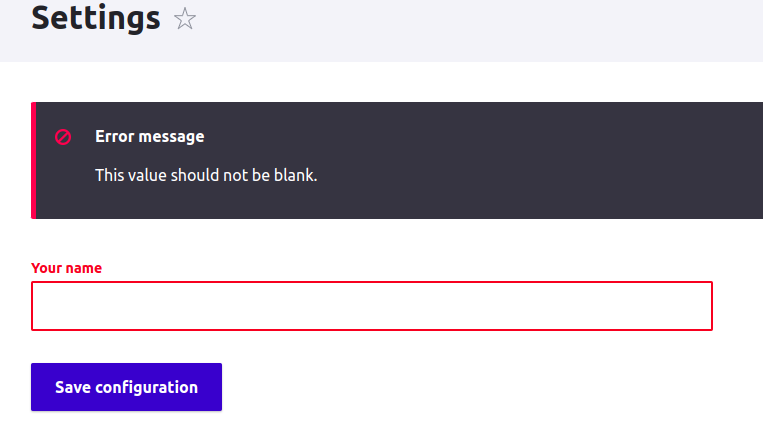
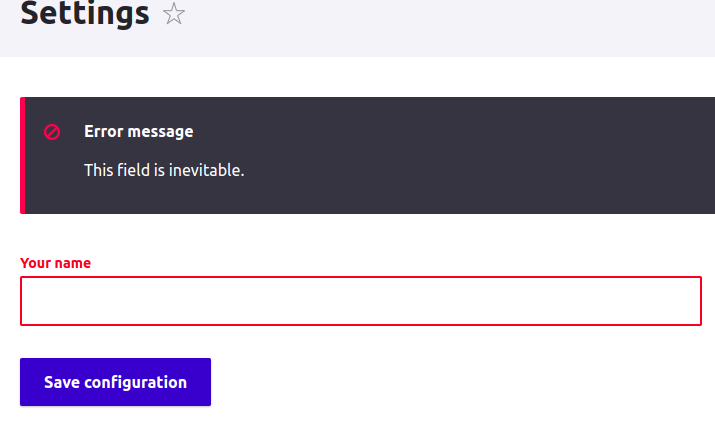
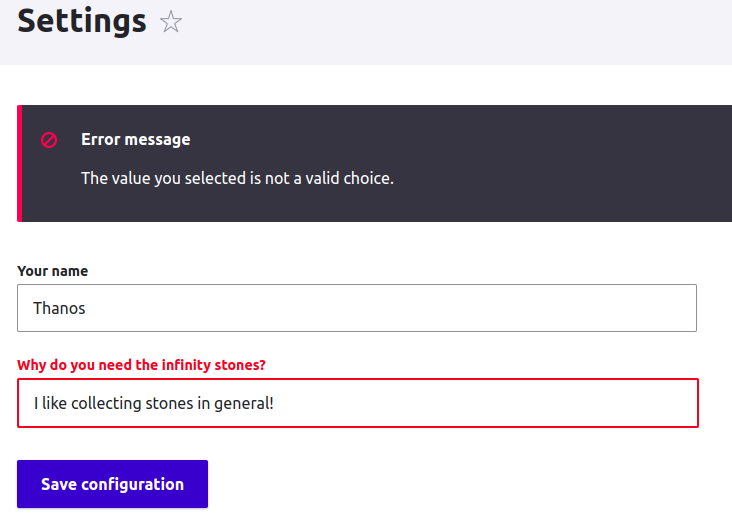
Eg:
Transforming config values using ‘#config_target’
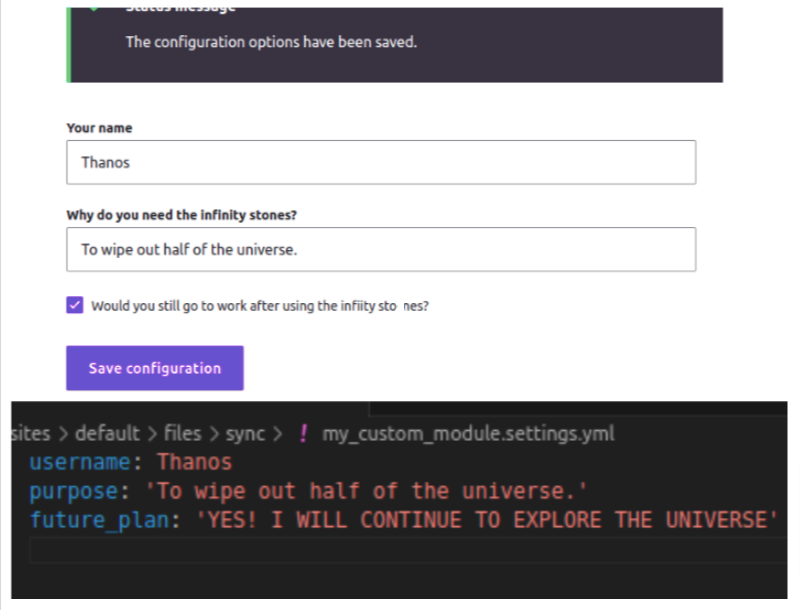
Adding a custom validation constraint
Since everyone loves Iron Man, let's add a custom validation constraint to force the user to select ‘Yes’ always.
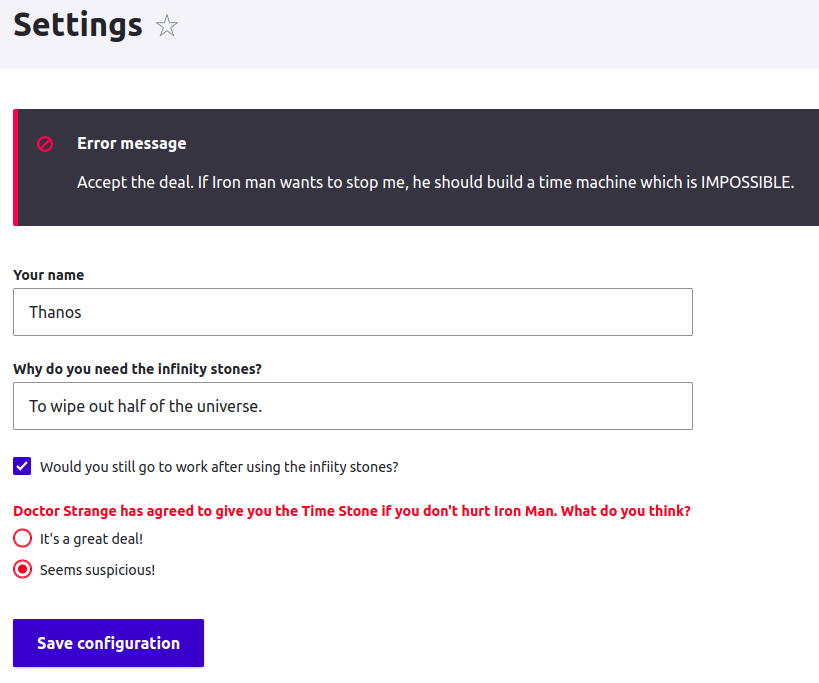
You might feel skeptical about using the ‘#config_target’ property in config forms for multiple reasons. One of the reasons could be that when we add validations at the form level, all the logic would be under the same form class, which is convenient in most cases. However, validations added at the form level would only work when the user saves the form. In contrast, the new config validation would work in other scenarios, such as when applying recipes to the site, when saving configurations programmatically, etc. Many forms in Drupal core have already adopted the ‘#config_target’ approach to validation. It's an integral part of many ongoing and upcoming Drupal initiatives as well. So, adopting it is definitely a step forward that will keep our module ready for future Drupal releases.
A quick recap of all the things we explored in this blog