Layout builder is a tool for creating the layouts of an entity. Before, we had to code for creating simple layouts or structures to place our content. With this module, not only developers but also content authors can create layouts. This blog will help you to learn more about the Layout Builder module in Drupal 9 and how to use it.
About the layout builder module
Layout builder consists of two modules:
Layout Builder has two main concepts while creating a layout:
What purpose does it solve?
As a developer, we know how to code or develop particular features or add content, Right? But a content creator or writer doesn’t know that. They only know “how to add content” and “what to add”. Their main goal is to create, add, arrange, and design content. That's it! Through the Layout Builder Module, the content creators can achieve all their goals. They simply need to enable the module and add sections and content. And if they want to change the layout, they can arrange those sections by drag and drop.
What do content editors think about this module?
Content creators liked the experience of the layout builder, but they found that a lot of options are hidden while adding content.
How to use the layout builder module


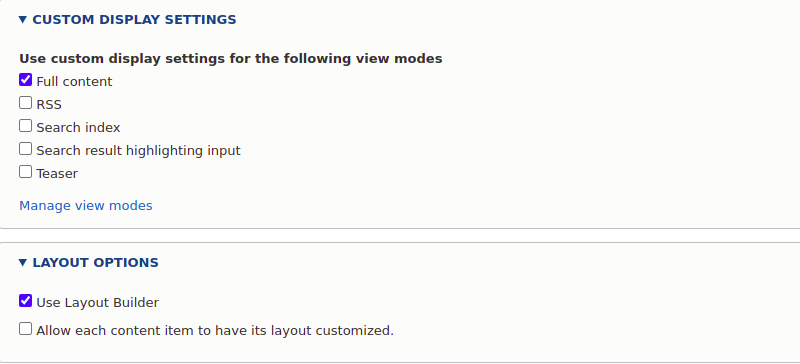
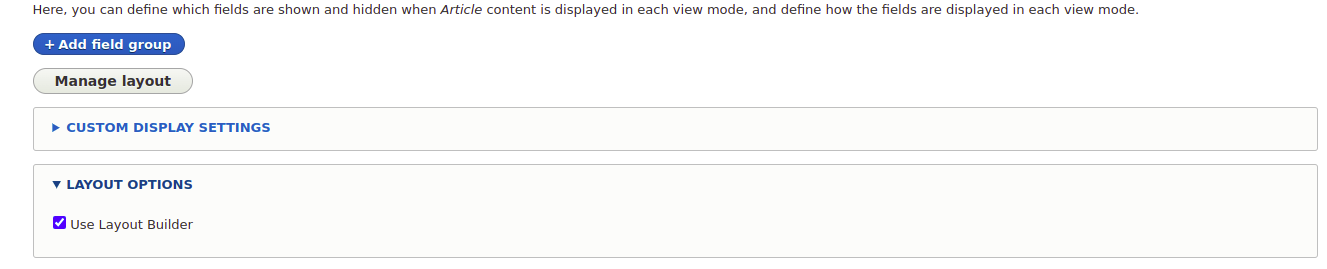
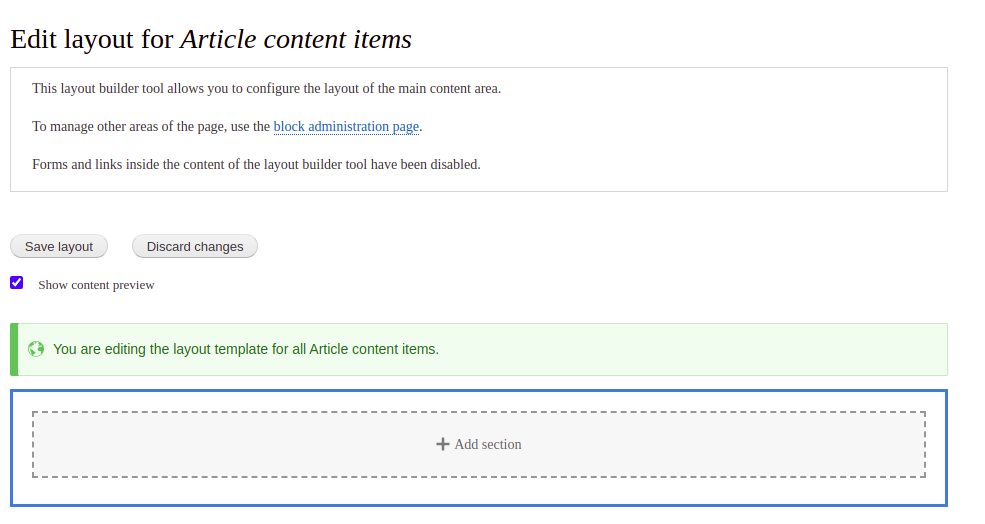
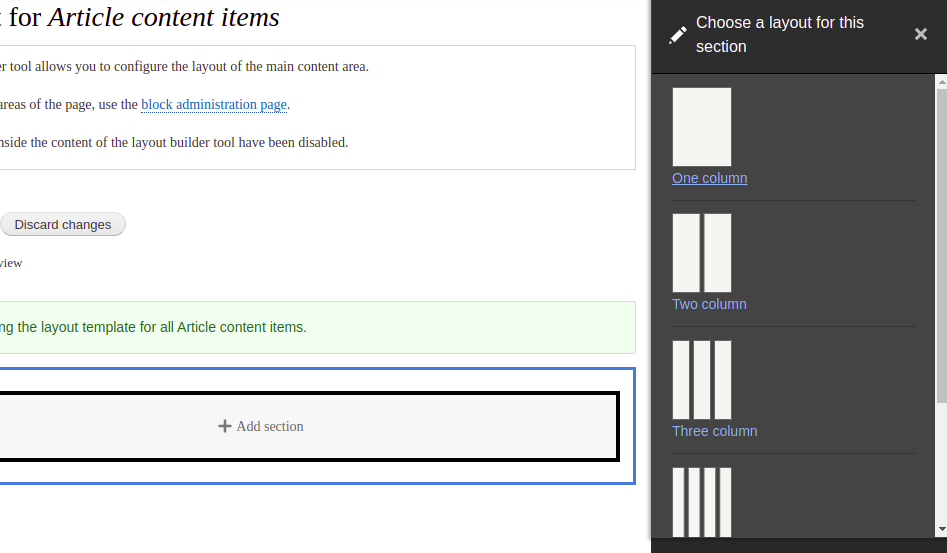
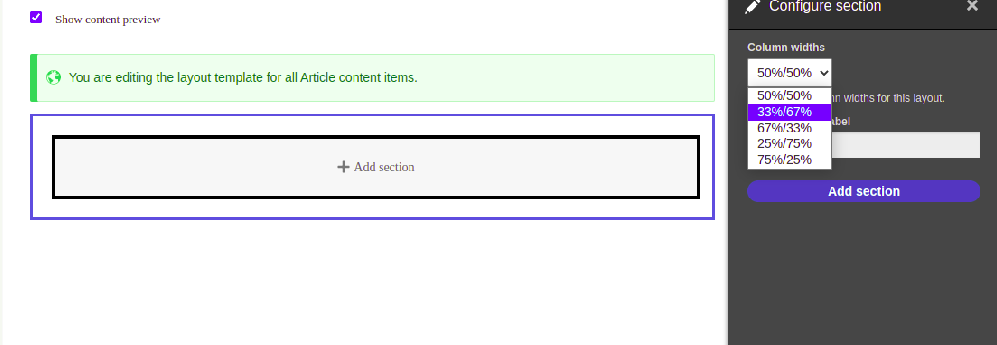
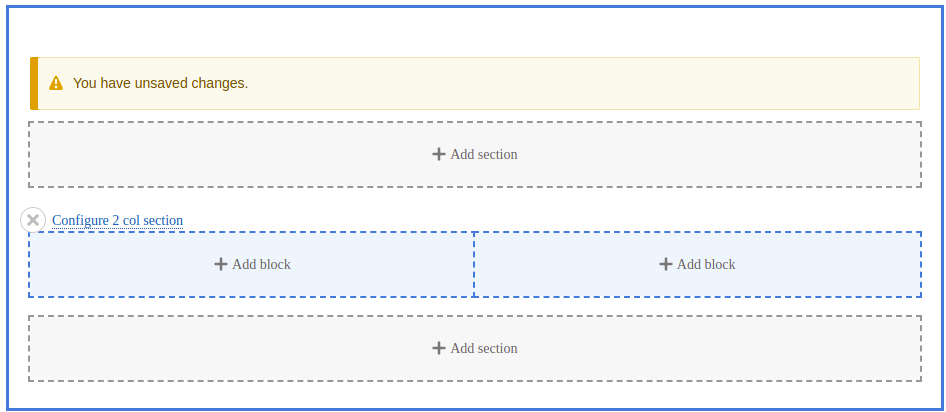
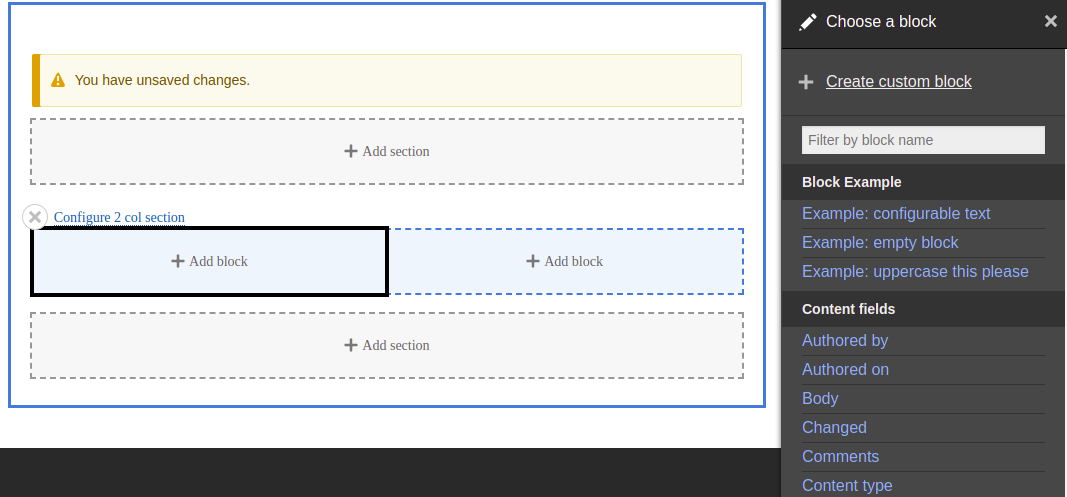
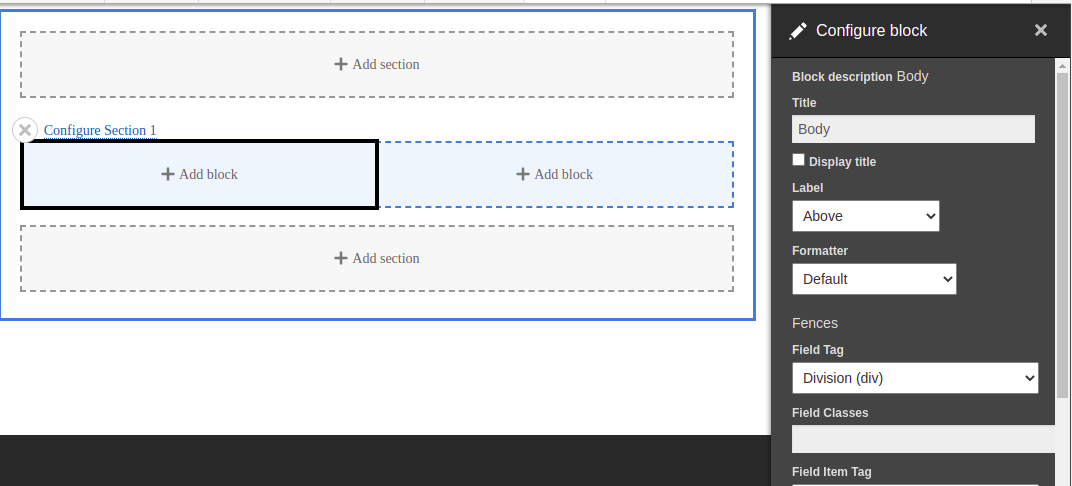
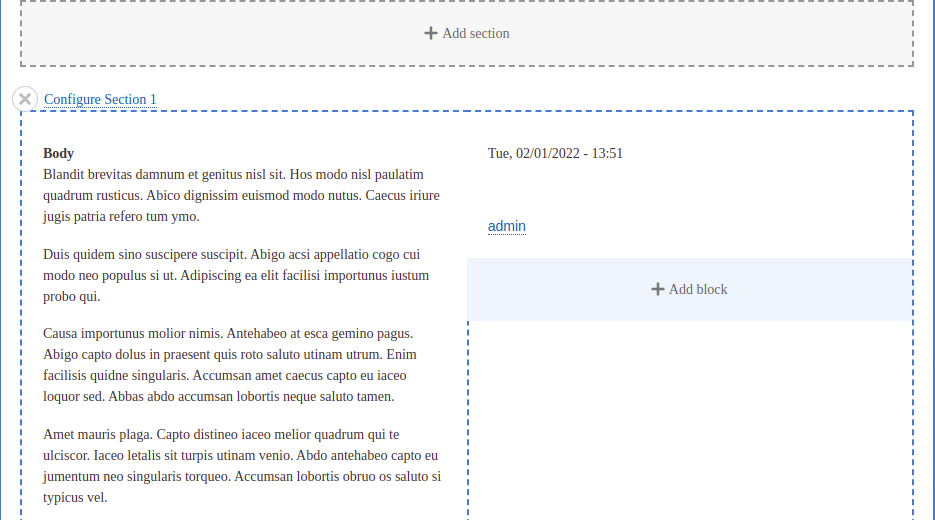
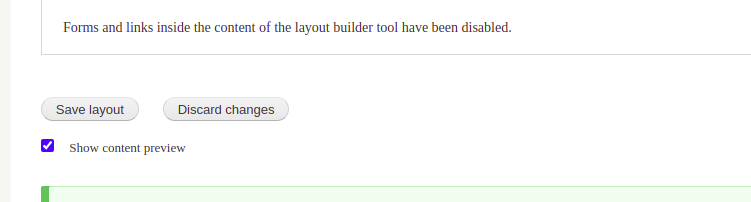
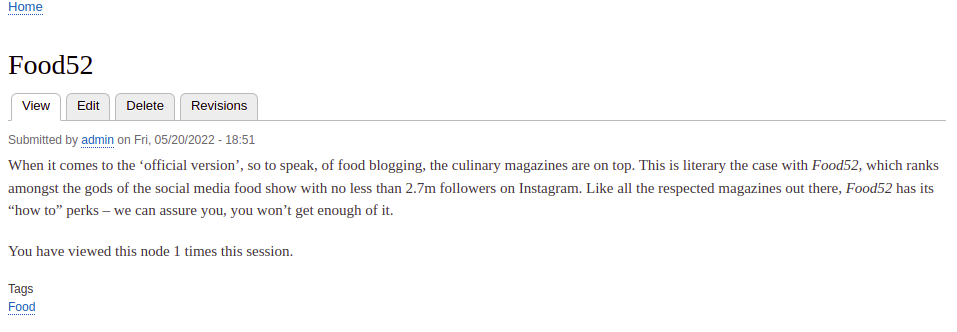
How to override a default layout
The default layout will be created for all the article landing pages. But there can be a requirement where every different article page should have a different layout. In that case, we need to override the default layout.
Go to the Manage display of article content type. And enable the second checkbox, which is “Allow each content item to have its layout customized.”
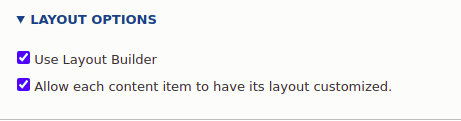
It will allow you to have different layouts for each article landing page.
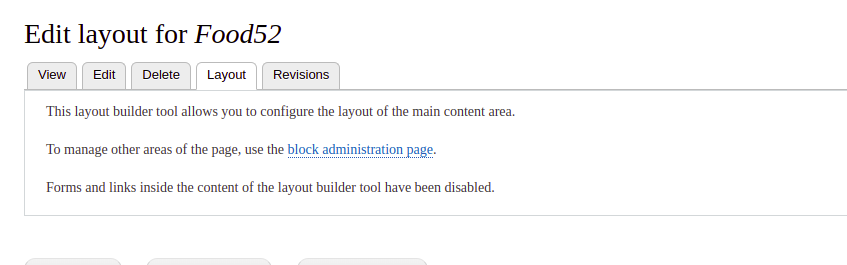
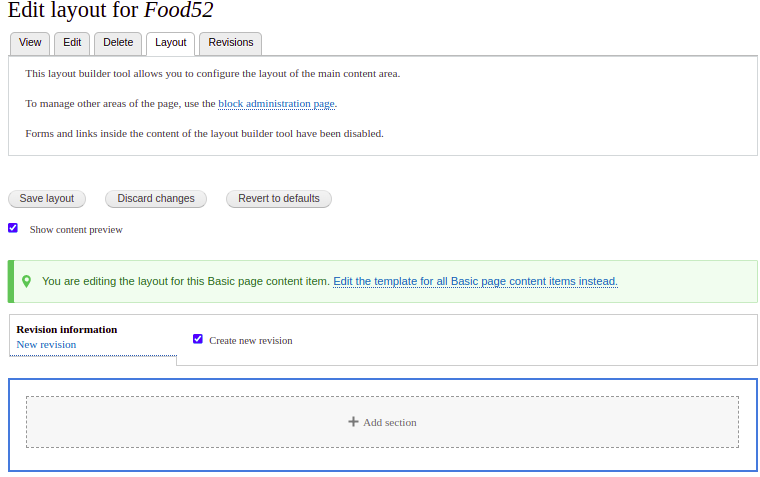
After saving this, navigate to any article landing page to find a layout tab, click on that tab, and it will allow you to create the layouts.
Here is the link - https://github.com/Libbna/Libbna-Custom-Layout-Module