The Layout Builder provides the ability to drag and drop site-wide blocks and content fields into regions within a given layout. While working with default views of a layout we believe there is considerable scope for improvement, giving a cool configurable layout to the content editor and site builders.
We started to look for enhancement modules and we found a lot of useful modules from https://www.drupal.org/docs/8/core/modules/layout-builder/additional-modules.
We implemented a few modules and improved the look and feel, significantly!
While working with these modules we came across certain issues or improvements needed from the content editors perspective:
Content editing experience: default off-canvas dialog box
The interface for the user to write content within this custom block would be through the off-canvas dialog which is a standard solution chosen by the Layout Builder developers. The off-canvas dialog is very narrow and not an optimal user experience for this scenario.
An alternative to this is the Layout Builder Modal
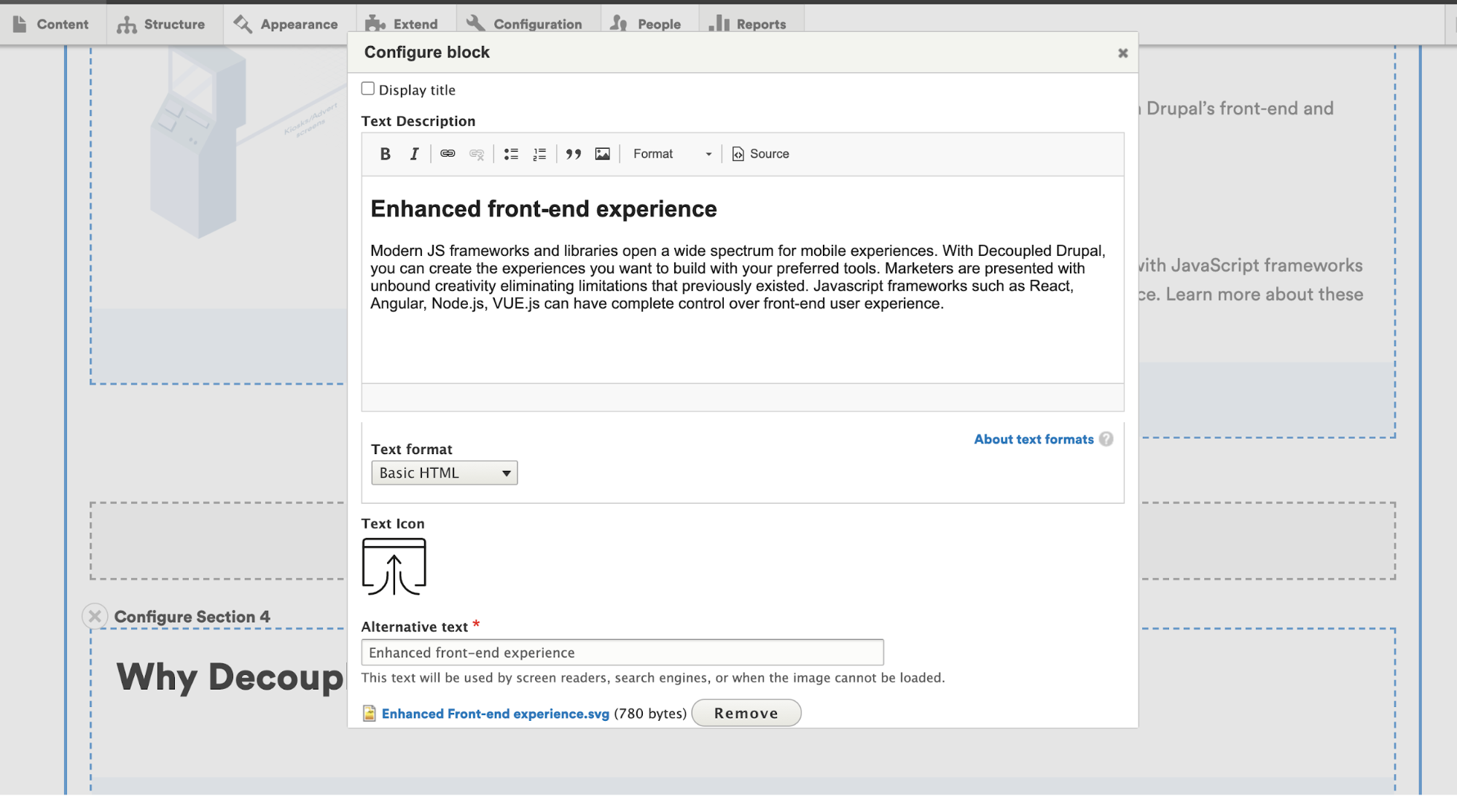
Here’s the link to download the Layout Builder Modal: https://www.drupal.org/project/layout_builder_modal
Content editing experience: Default UI for adding blocks and section
The default Layout Builder’s ‘Manage Display’ interface shows all blocks (including all entity-specific fields), and all layouts that are registered in the system. For all sites, this poses a usability problem, as the list of blocks quickly becomes very large. Additionally, for many sites, the ability to curate which blocks and layouts are available on a given entity is an information architecture necessity.
An alternative for this is the Layout Builder Restrictions
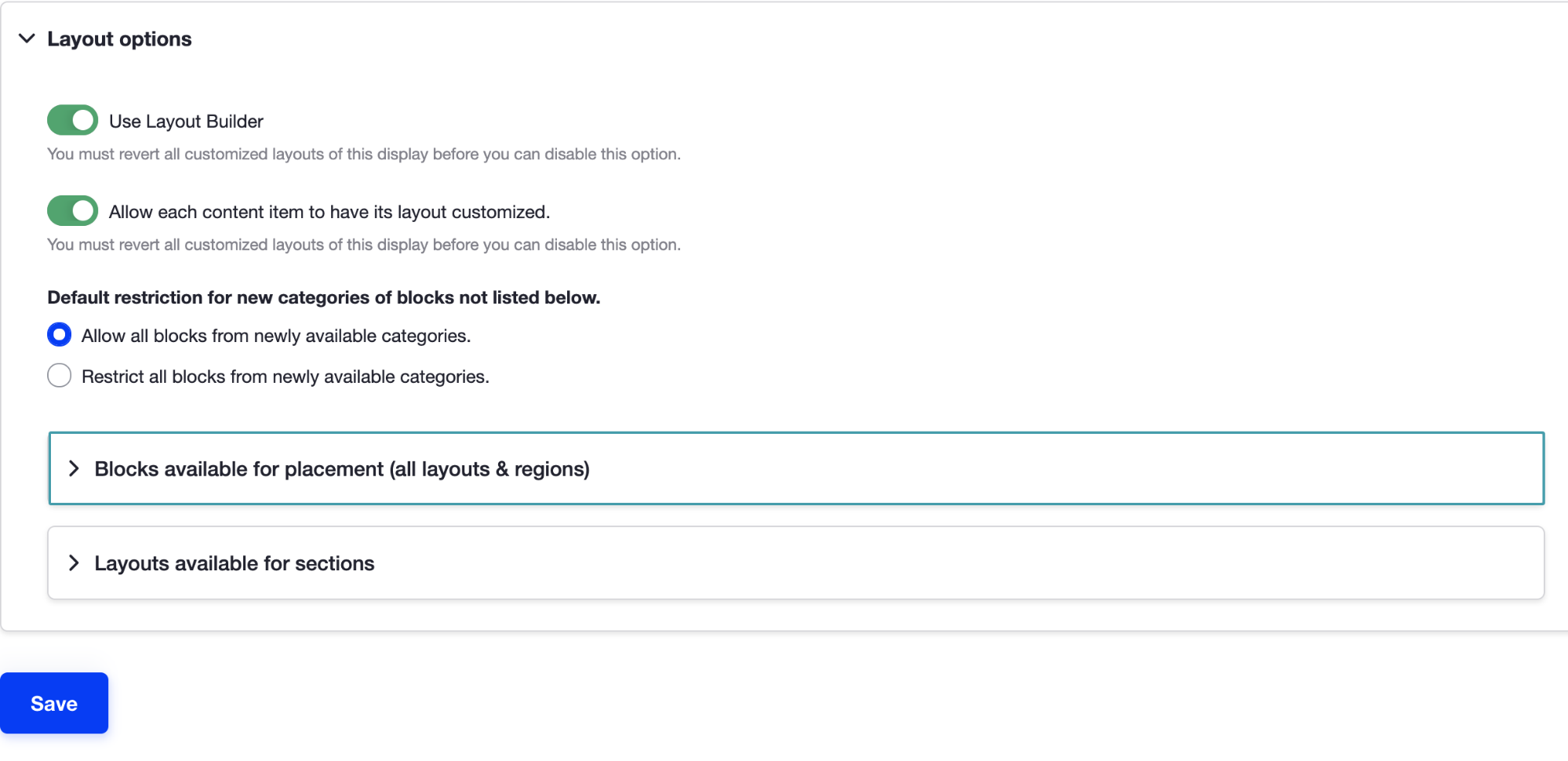
Here’s the link to download the Layout Builder Restrictions module: https://www.drupal.org/project/layout_builder_restrictions
Content editing experience: Page Layout edit link
To edit the content by using the Layout Builder; a content editor needs to visit the page and click on layout link to edit the page.
An alternative to this is the Layout Builder Operation Link

Here’s the link to download the Layout Builder Operation Link module: https://www.drupal.org/project/layout_builder_operation_link
Content editing experience: Attributes for block
At times the content editor’s need to deal with different attributes for example class, id, Data-* attributes, etc. to achieve specific features., for this Layout Builder Component Attributes will be helpful.
The Layout Builder Component Attributes module is helpful in these scenarios
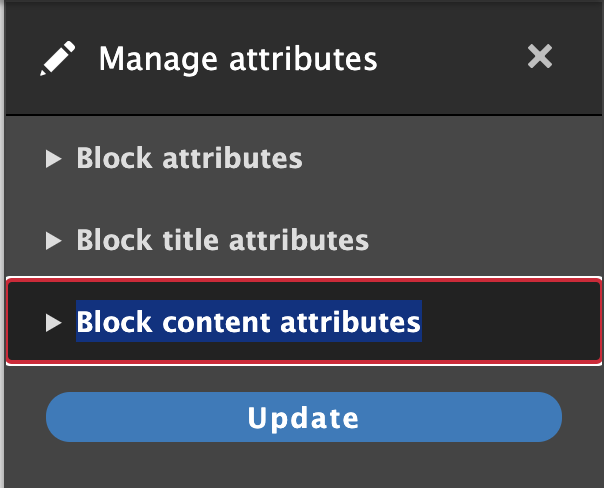
Here’s the link to download the Layout Builder Component Attributes module:https://www.drupal.org/project/layout_builder_component_attributes
Layout Builder is a game-changer for content editors and marketers. The modules that we looked at really help make it easier to use!
If you would like to create your dream website with the Drupal Layout Builder, feel free to reach out to us at business@qed42.com.