Web forms are fundamental components of web development, facilitating user data input and submission through web pages. They encompass various input fields like text fields, checkboxes, radio buttons, and dropdown lists, serving diverse purposes such as contact forms, registration forms, surveys, etc.
A web form is a medium that allows your visitors to get in contact with you and to send information, such as an order, a query, etc. which is passed on to your database. The smallest error in the web form execution can lead to a huge loss of data or communication
Checklist for Web Form Testing
General Test Scenarios:
Web Forms with Input fields:
Web Forms with Email Field:
Web Forms with Password Field:
Web Forms with File Upload Field:
Web Form with Invalid File Upload:
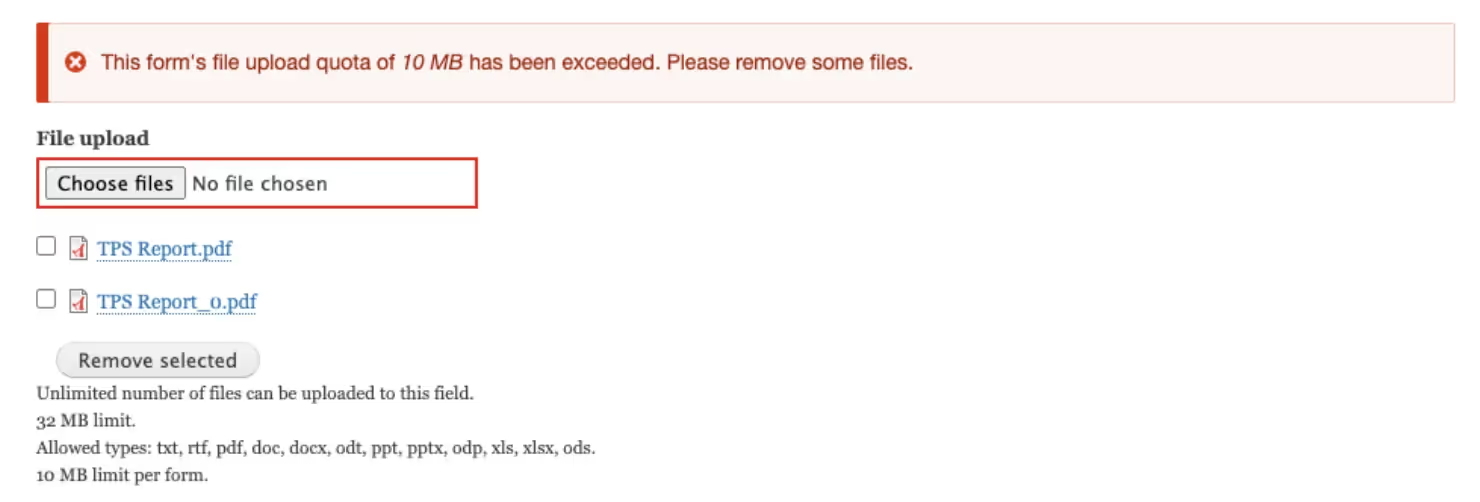
Web Forms with Media Upload Field:
Web Forms with Dropdown Field:
Web Forms with Checkbox
Web Forms with Radio Buttons
Web Form with different fields:
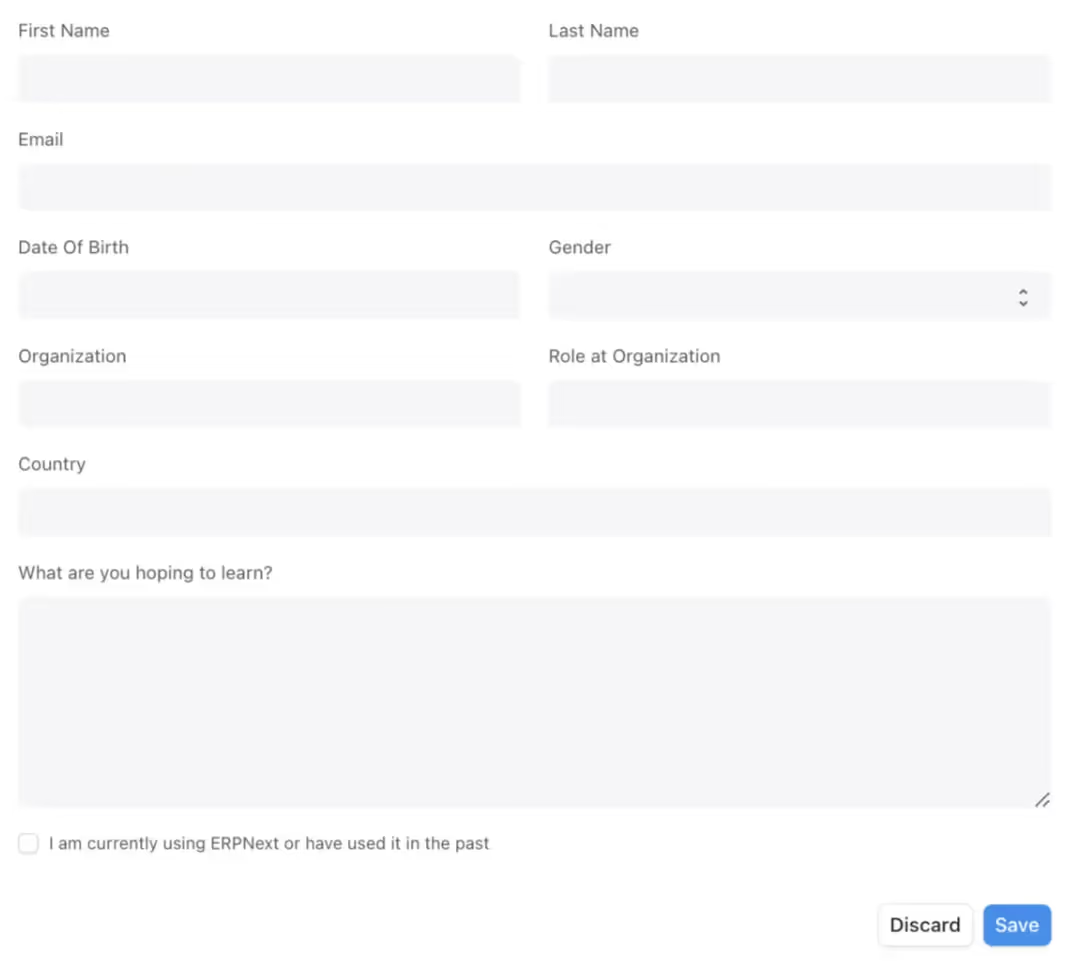
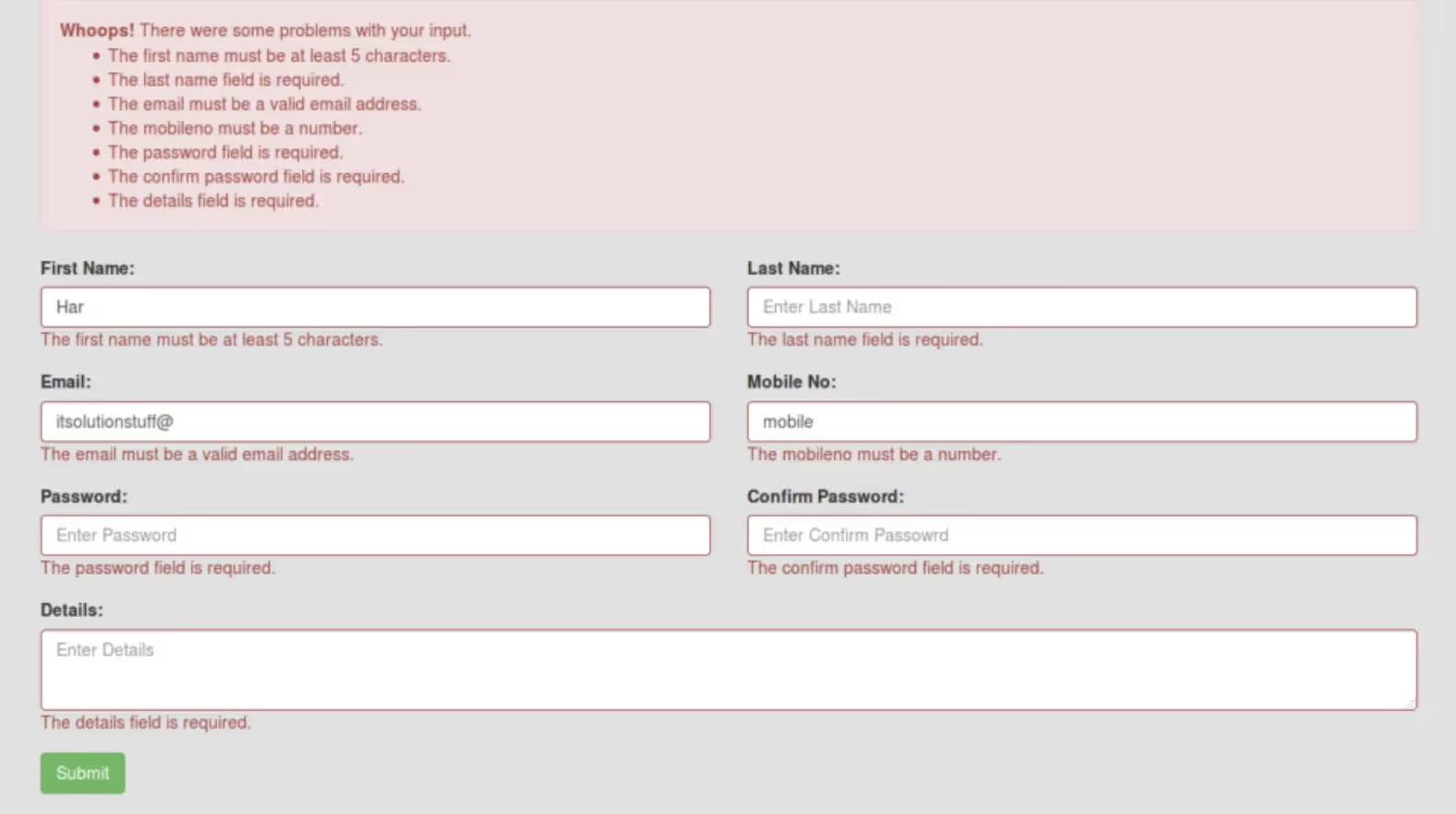
Web Form with Validation/Error Messages:
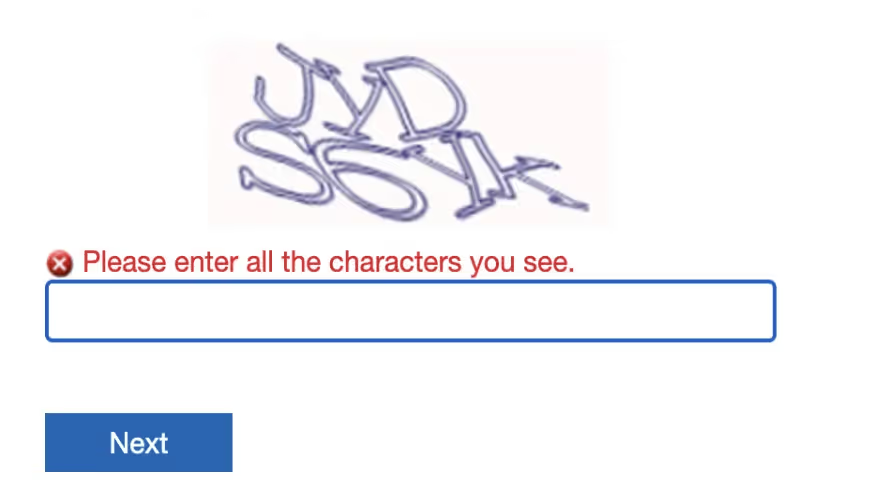
Web Forms with Recaptcha:
Recaptcha form with error messages:

Conclusion
In the digital landscape, web forms serve as fundamental tools for gathering information, enabling interactions, and facilitating transactions. From contact forms to registration pages, these elements are ubiquitous across the web, serving as gateways for user engagement.
Throughout this blog, we've explored the intricate world of web forms, delving into their various components, functionalities, and best practices. We've learned that a well-designed web form goes beyond mere aesthetics; it embodies usability, accessibility principles to ensure a seamless user experience.
Happy Testing!