
With the rise of security concerns, traditional username and password systems are often insufficient to protect user data and prevent unauthorized access. Passwords can be easily forgotten, stolen, or hacked, leading to a high risk of breaches, especially in applications handling sensitive or personal information.
Benefits of Implementing an OTP-Based Login Flow in Drupal
This OTP-based login flow is beneficial for users who prefer or require mobile authentication, providing an added layer of security. It reduces the risk of unauthorized access and allows users to bypass traditional password-based login if they wish, which can be especially helpful for those who struggle with password management.
By setting up this flexible, secure OTP verification system, you’re making your Drupal site more secure and appealing, catering to a broader audience that values security and ease of use.
Implementing an OTP-based registration and login system in Drupal addresses several key issues
In summary, an OTP-based registration and login system in Drupal offers enhanced security, user-friendly registration options, and an improved experience for mobile-first users. Leveraging Twilio and the SMS Framework makes it easy to implement this secure and flexible registration system in Drupal.
Prerequisites
System overview
This solution covers:
User registration flow
To add the "Registration Type" field to the user registration form, you can follow these steps:
This setup will add the "Registration Type" field to the registration form and enable conditional handling based on the selected option.
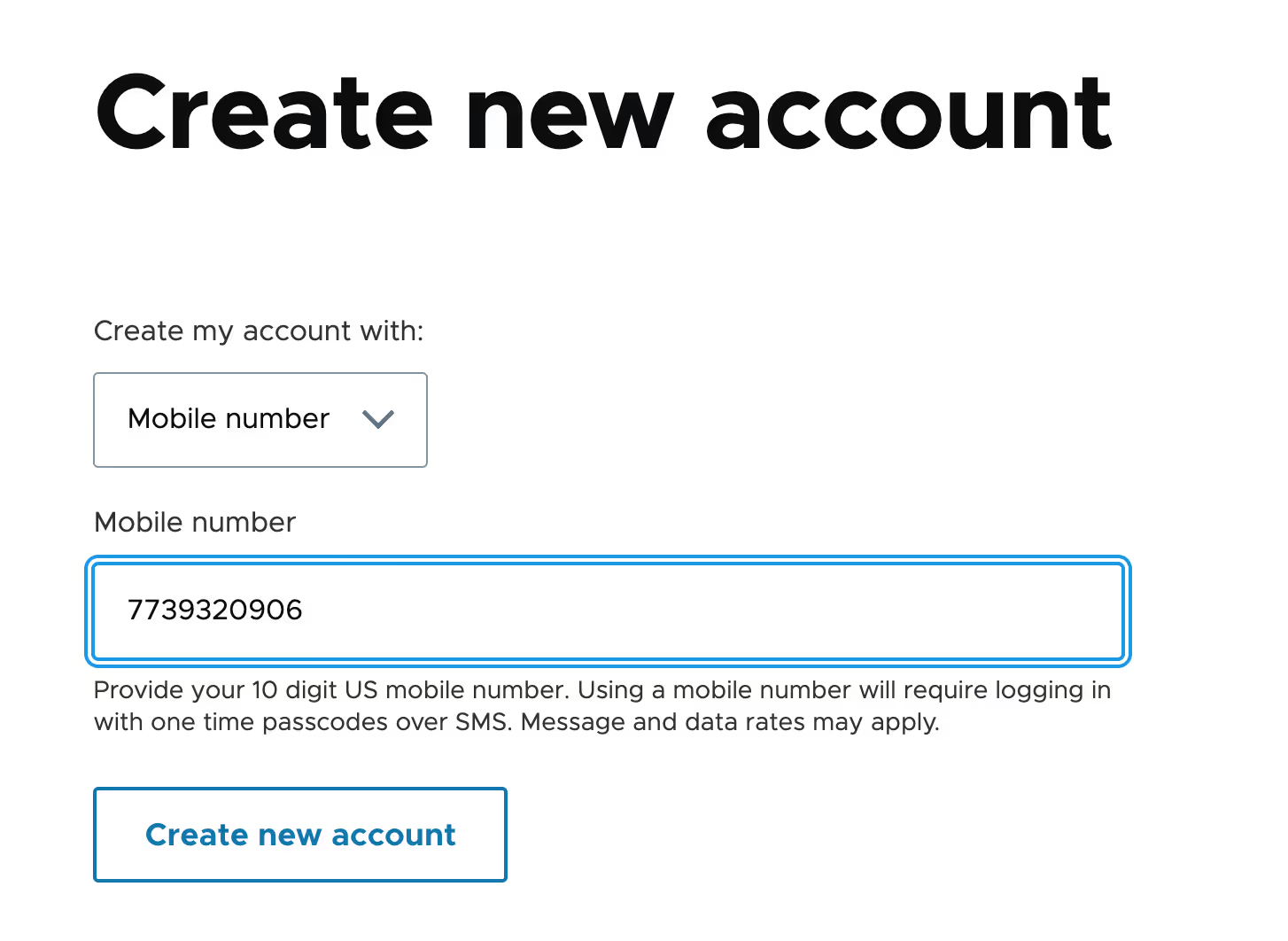
User OTP verification in Drupal
This covers the essential steps to create an OTP verification form in Drupal, with functionality to handle OTP input, validation, and verification using Twilio for SMS.
1. Form setup: UserOtpVerifyForm
2. Form validation
3. OTP verification logic
4. OTP resend functionality
For full code implementation, check out the GitHub repository.
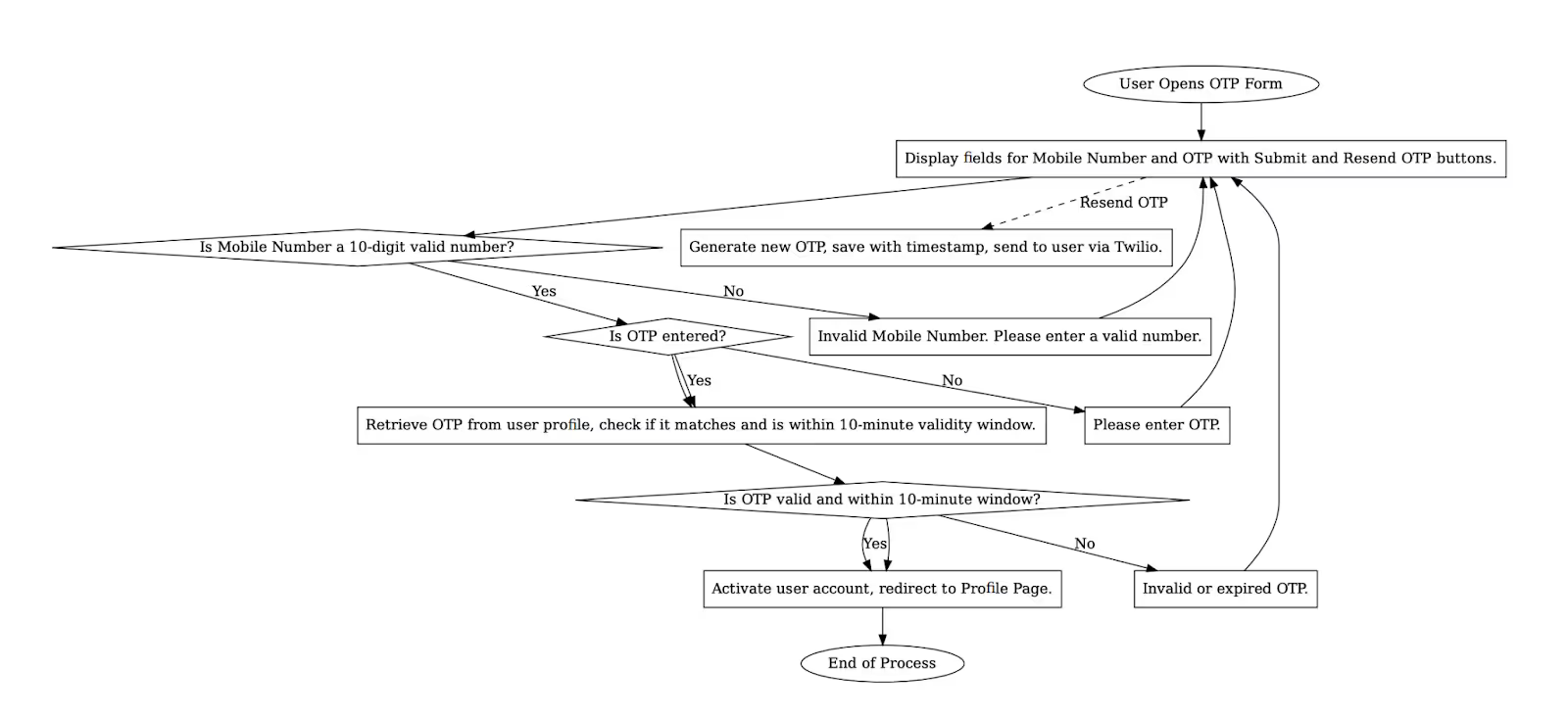
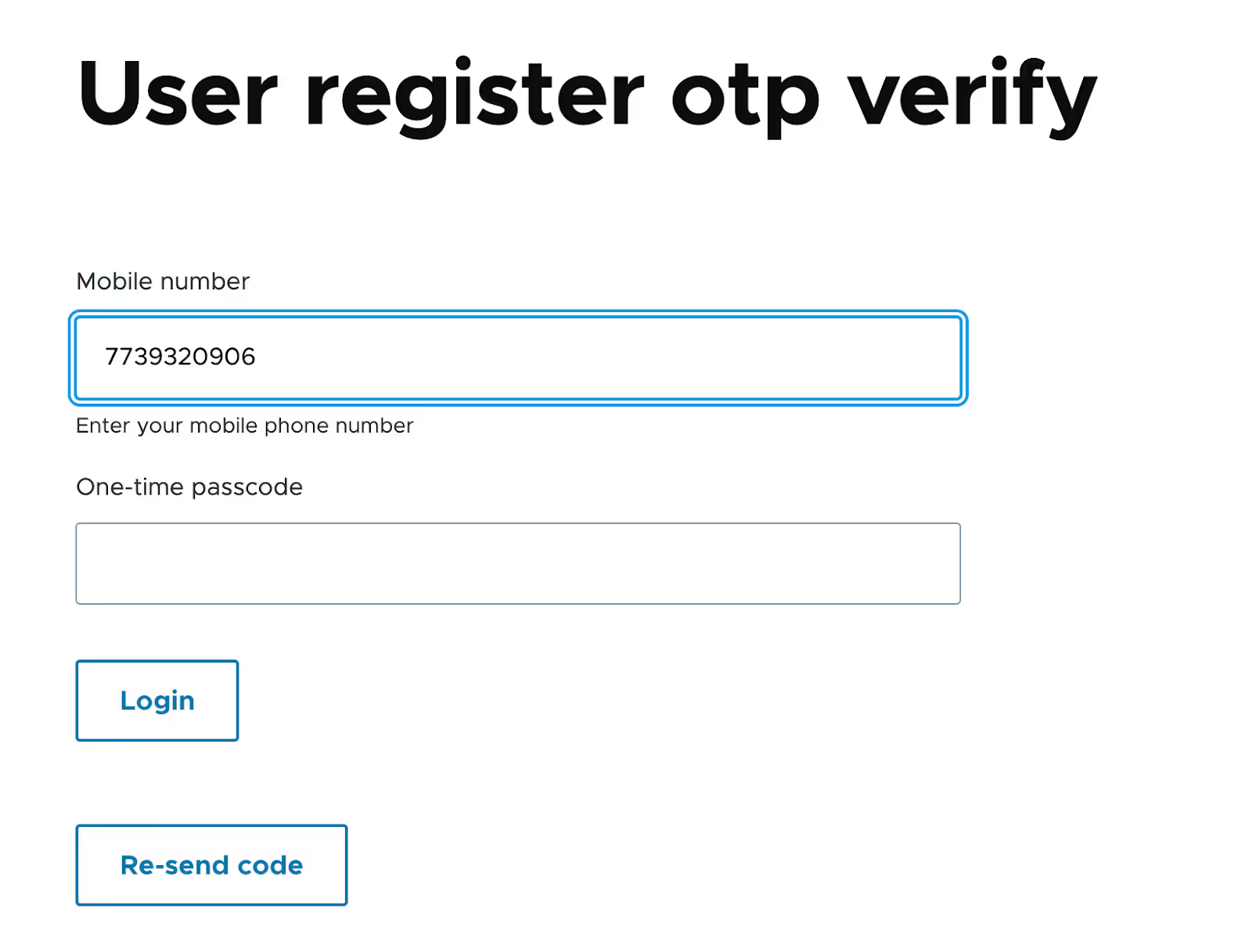
User login flow
In today’s digital landscape, offering multiple secure authentication options enhances user experience and strengthens security. Implementing an OTP-based login in Drupal is a fantastic way to provide flexibility for users who prefer mobile authentication.
Leveraging Twilio with the SMS Framework, we’ll set up a login workflow that allows users to log in with a mobile number and OTP (One-Time Password). Below, I’ll walk through each component of this setup to outline the OTP-based login flow and provide code snippets to integrate this feature into your Drupal site.
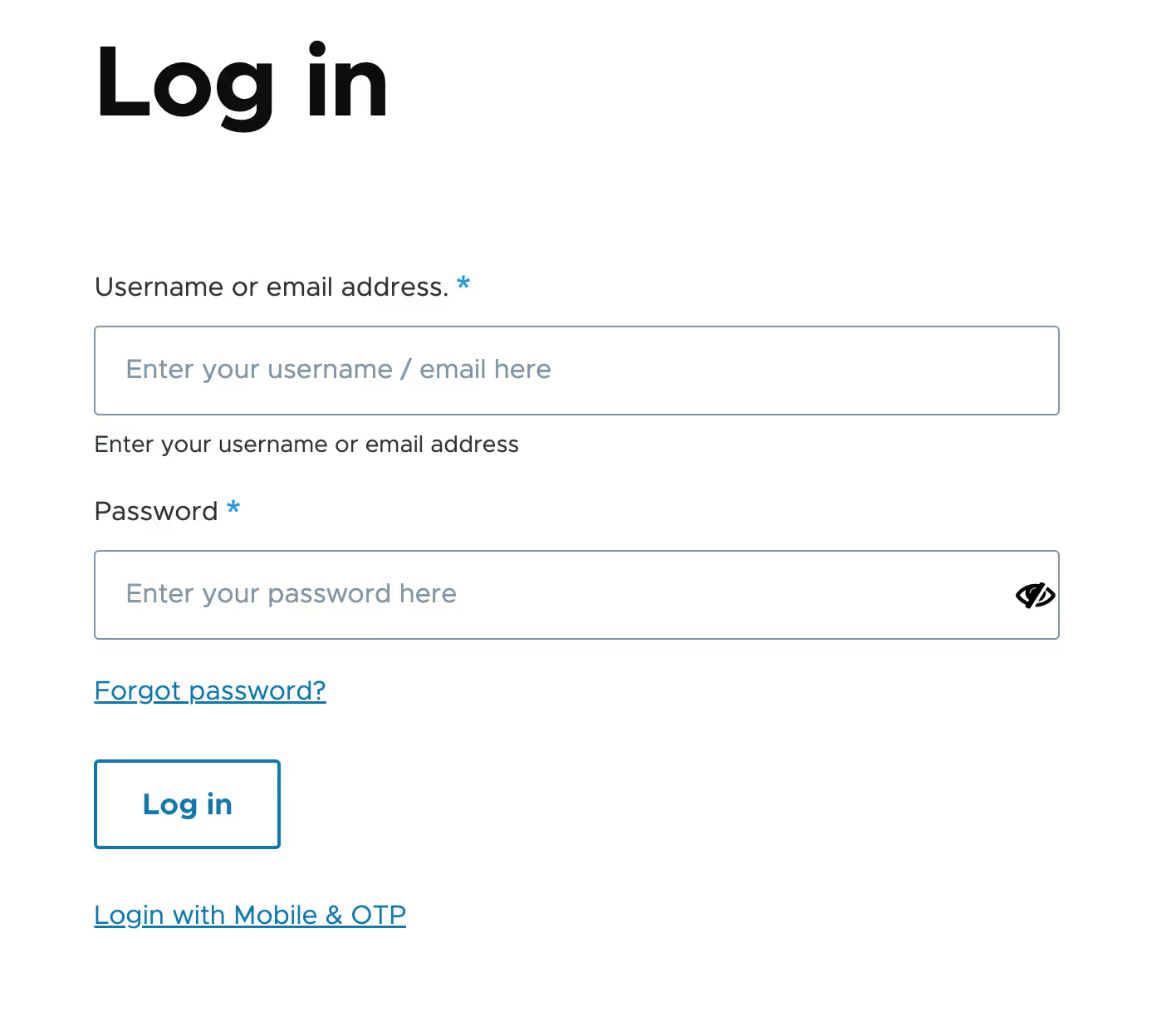
1. Adding an OTP option to the standard login form
The login form starts with the usual Drupal username and password fields but includes an additional link labeled “Login with Mobile & OTP.” When clicked, this link takes users to a form designed specifically for mobile-based login. Here, users have the choice to either continue with the standard method or authenticate via OTP, which is ideal for those who prefer mobile-based access.
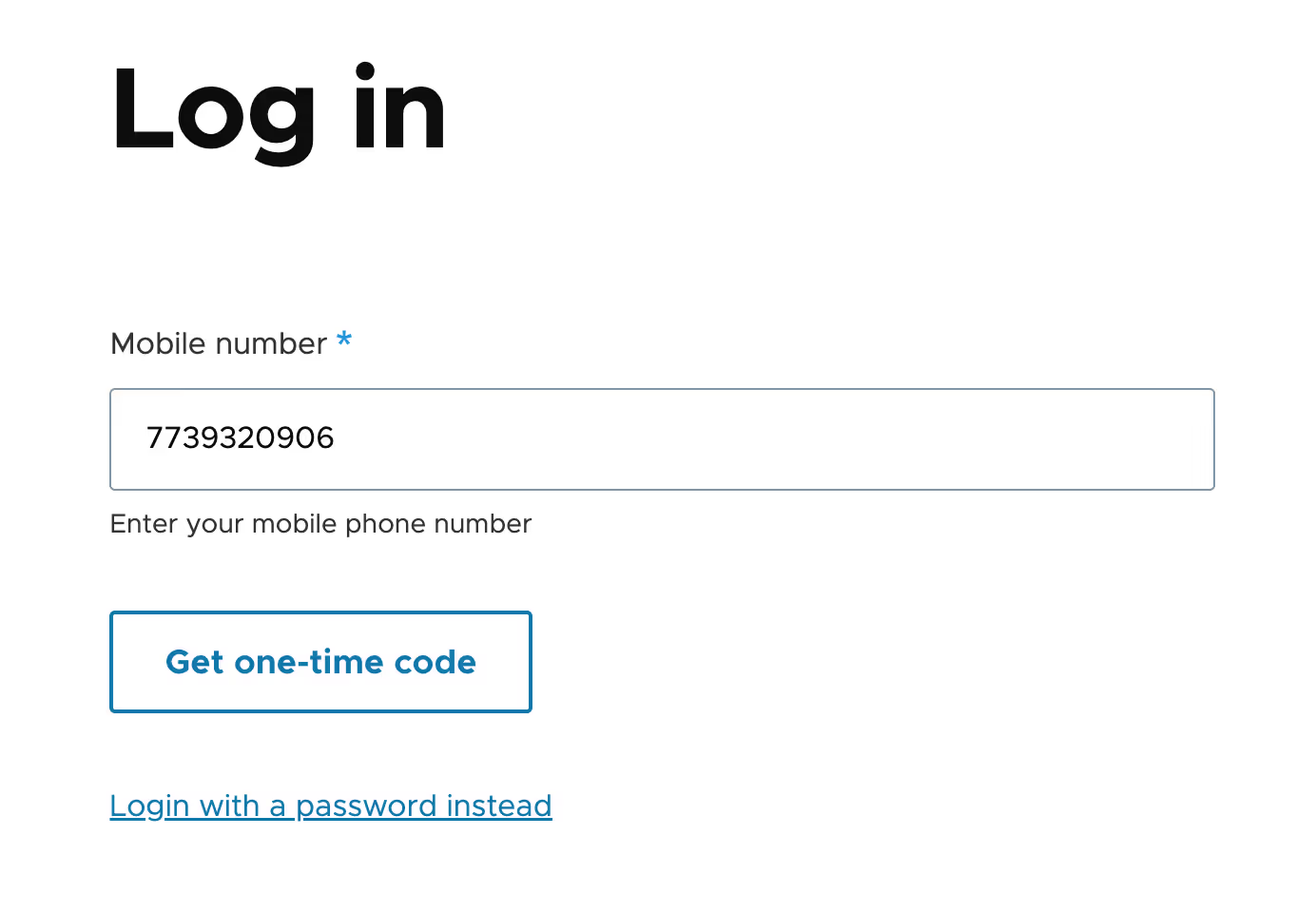
2. Entering the mobile number and sending OTP
On the OTP login form, users are prompted to enter their registered mobile number. After inputting their mobile number, they click “Send OTP.” This triggers a process where an OTP is generated and sent directly to their mobile number via Twilio using the SMS Framework. Once the OTP is sent, the system redirects the user to the OTP verification page to ensure a seamless experience.
Form setup: OtpLoginForm
3. OTP verification
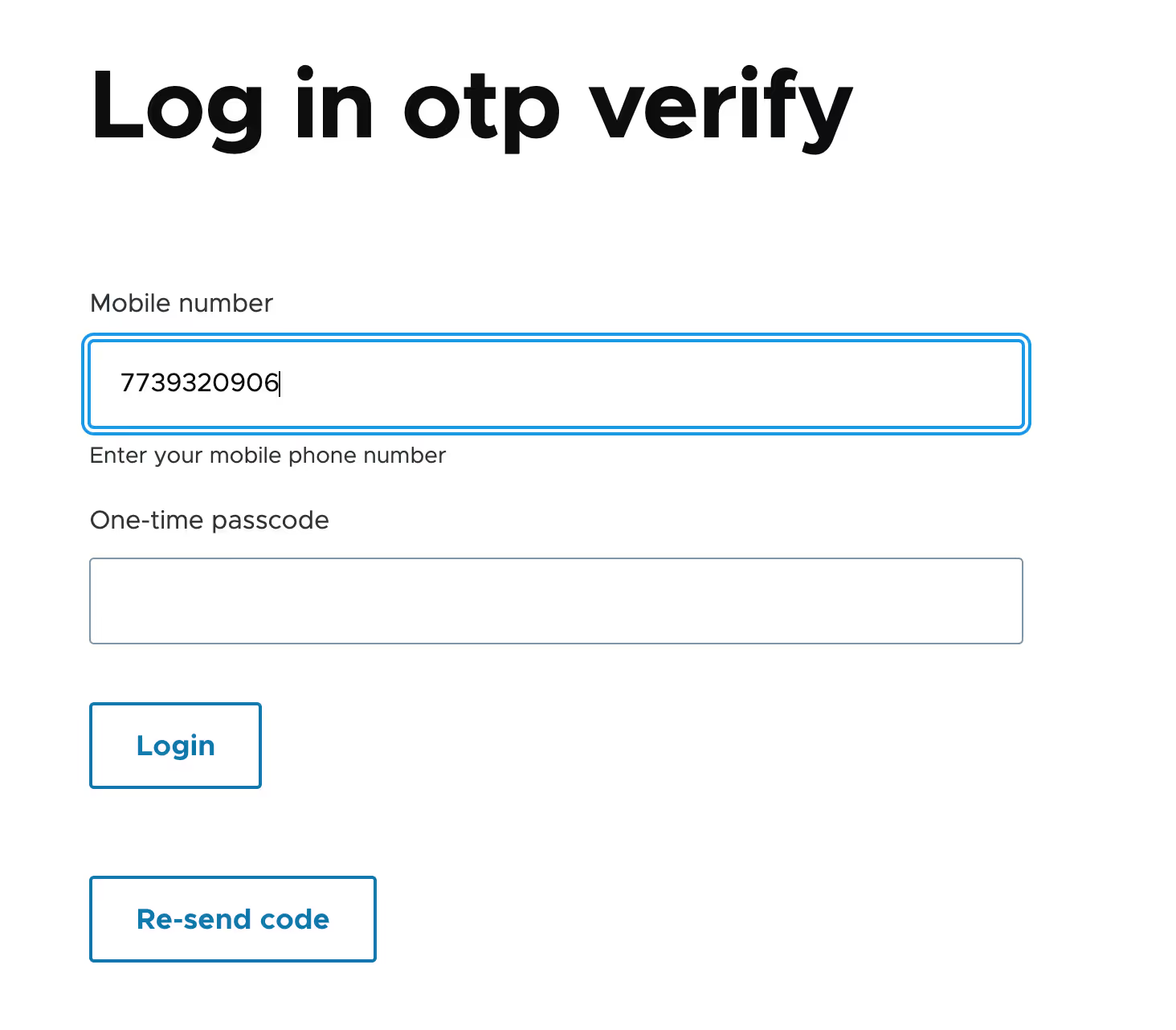
On the OTP verification form, users are prompted to enter the OTP they received on their mobile phone. The form validates the OTP and checks if it’s entered within the required time window (typically 10 minutes). If the OTP matches and is within the validity period, the user is logged in and redirected to their account page or a designated landing page.
We have used the same logic that has been used in the user register OTP verification form.
Conclusion
Incorporating Twilio and the SMS Framework into Drupal unlocks the potential for a secure and user-friendly OTP-based login and registration system. This approach not only bolsters security by adding an additional layer of verification but also streamlines the user experience by offering an alternative to traditional password-based methods.
Implementing this system reflects a forward-thinking commitment to both usability and security, catering to the growing demand for seamless, mobile-first solutions. By prioritizing accessibility and protecting against unauthorized access, you enhance trust and engagement among your users.
This guide serves as a foundation to help you develop and customize an OTP verification system tailored to your Drupal site’s unique requirements. The benefits extend beyond immediate security gains, fostering a modern user experience that resonates with today’s mobile-savvy audiences. As digital threats evolve, taking such proactive measures ensures your platform remains relevant, secure, and user-focused in a competitive landscape.